Why do percent signs appear in a copied link?
URLs use reserved characters to separate the scheme, path, query and fragment. Spaces, non-Latin text and some symbols inside a search value may be percent-encoded so browsers and servers interpret the same bytes.
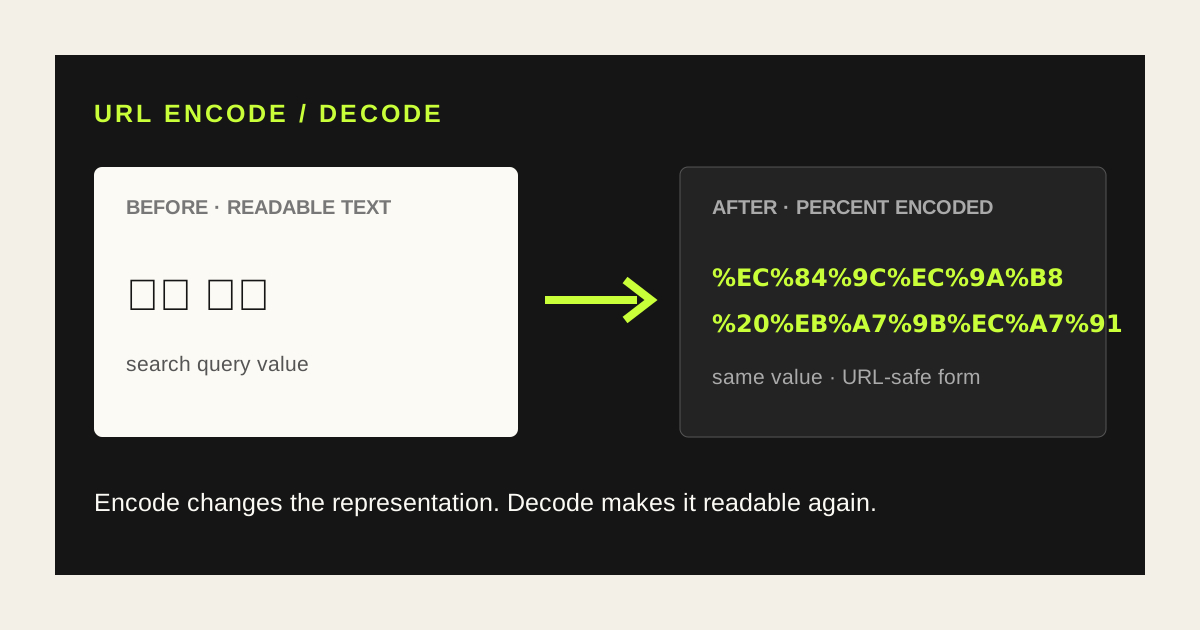
In https://example.com/search?q=서울 맛집, the query value can become %EC%84%9C%EC%9A%B8%20%EB%A7%9B%EC%A7%91.
What do %20, %2F and %3F mean?
The two digits after % are a byte written in hexadecimal. A space commonly becomes %20, / becomes %2F and ? becomes %3F. UTF-8 Korean and other Unicode characters use several bytes, so one character can produce several %xx groups.
| Character | Encoded |
|---|---|
| space | %20 |
| / | %2F |
| ? | %3F |
| 서울 | %EC%84%9C%EC%9A%B8 |
Encode versus decode
Encode turns readable input into a URL-safe representation. Decode restores percent-encoded text so a person can inspect it.
A search value before and after
서울 맛집%EC%84%9C%EC%9A%B8%20%EB%A7%9B%EC%A7%91Decoding the result restores the readable search phrase.
Do not encode a complete URL as one value
Characters such as https://, ?, &, = and # define a URL's structure. Encoding all of them can turn a working link into plain text. Usually you encode an individual query value; use the preserve-URL-structure option when the input is a complete URL.
Common reasons to decode a URL
- Inspect a long link copied from chat
- Read a search term in a shared result URL
- Check UTM and query parameter values
- Understand an API request URL
- See whether a space was represented as %20 or +
Use the Only My Kit URL tools
Paste a string or URL, choose Encode or Decode, select text/query value or preserve URL structure, then copy the result.
The tool uses browser URL and encoding APIs on your current device; the input is not sent to a server.
- Paste the text or URL.
- Choose Encode or Decode.
- Choose the correct scope.
- Review and copy the result.
Encoding is not encryption
Anyone can decode percent-encoded text. Encoding an email address, user ID or personal data does not conceal it. Base64 is also a reversible representation rather than encryption; avoid putting secrets in URLs.
FAQ
- Does a space always become %20?
- It commonly does in URL components, while form-style query strings may use +.
- Does decoding check whether a link is safe?
- No. It restores characters but does not assess whether the destination is trustworthy.