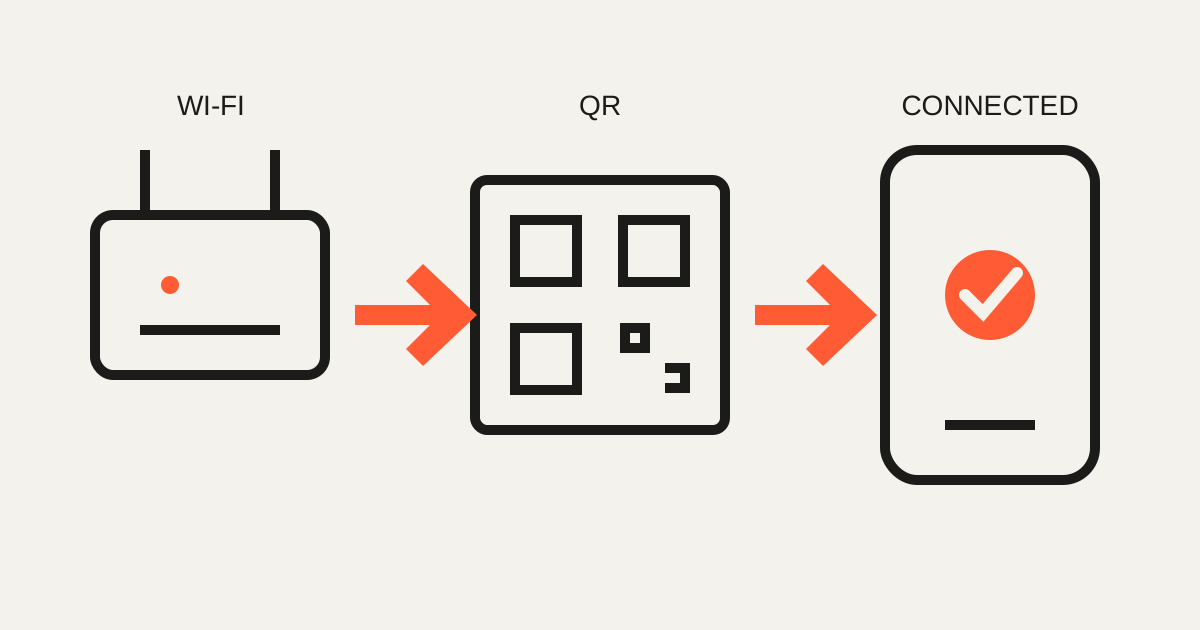
What is a Wi-Fi QR code?
It packages the network name, security type and password in a standard payload. Compatible phones can move from scanning to a join prompt.
- Choose Wi-Fi in the generator.
- Enter the exact SSID, password and security type.
- Test with another phone.
- Print or display the verified code.
A parking QR reduces plain sight, not access
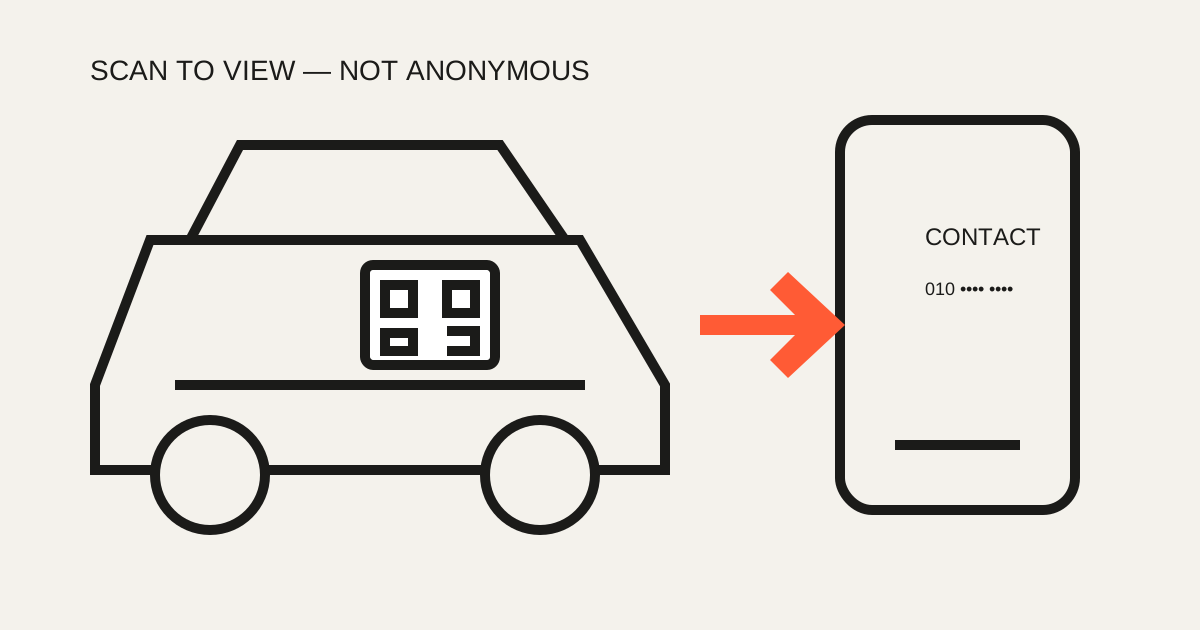
A QR can replace a large printed phone number with a scan-to-view contact. If the number is embedded, however, anyone who scans can read it. Real anonymity requires a separate relay service; Only My Kit does not provide one.
Put a vCard on a business card
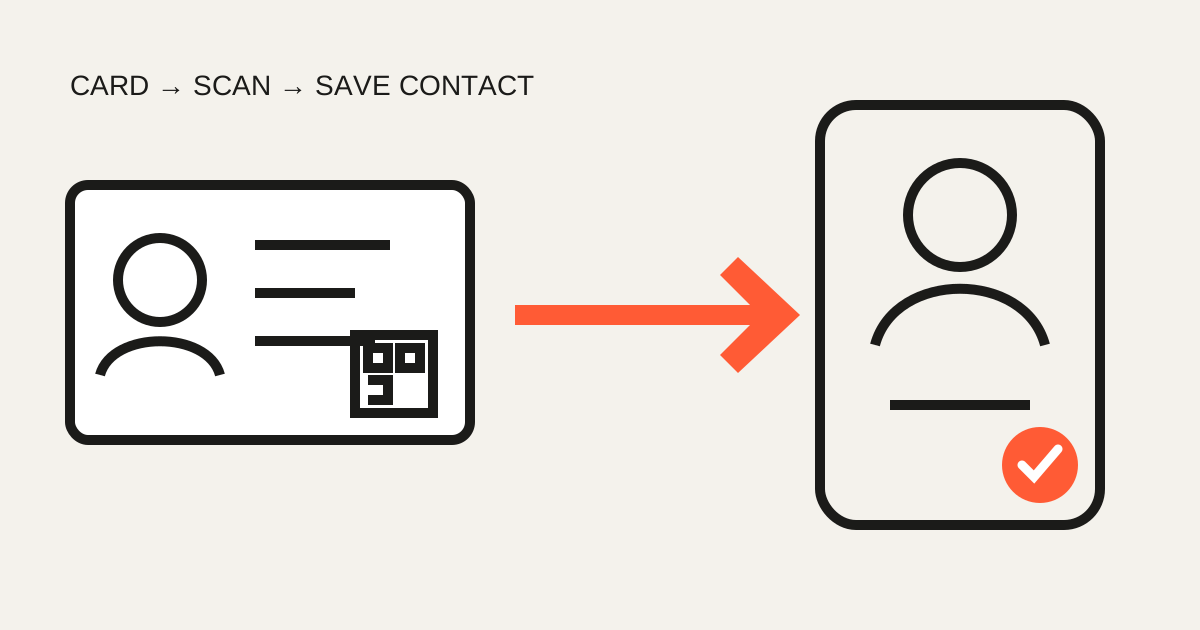
A vCard can contain a name, company, phone, email and website so the recipient reviews and saves the contact instead of typing it.
- Proofread every field before printing
- Leave a clear quiet zone around the code
- Regenerate printed material when details change
Menus, forms and events
Use a stable destination, state the action beside the code and test it at the actual viewing distance.
- Paper menu → online menu
- Event sign → schedule page
- Packaging → product instructions
- Poster → survey or social profile
Choose PNG or SVG
| Use | Format | Why |
|---|---|---|
| Web, chat, social | PNG | Easy compatibility |
| Cards, posters, print | SVG | Stays sharp when enlarged |
| Office documents | Either | Check whether the editor supports SVG |
Error correction is a trade-off
Recovery data can keep a code readable after minor damage or a small logo, but higher levels make the pattern denser. Start with the default, keep strong contrast and quiet margins, and test the final print.
FAQ
- Does a Wi-Fi QR always connect immediately?
- No. Supported devices may show a join prompt; behavior varies by operating system and camera app.
- Does a parking QR hide my number?
- Not completely. Anyone who scans a code containing the number can read it.