Can I save only selected PDF pages?
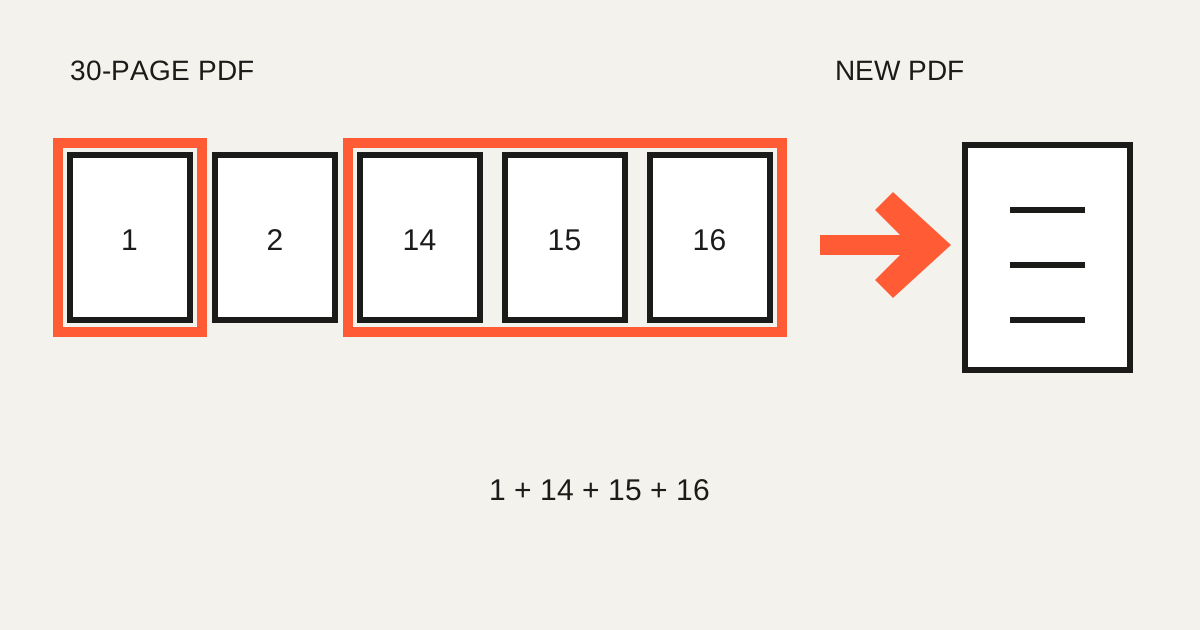
Yes. Enter 1, 14-16 to create a new document from those pages while leaving the source unchanged.
- Keep only installation pages from a manual
- Extract a report table and appendix
- Save part of lecture notes
- Exclude a page containing personal data
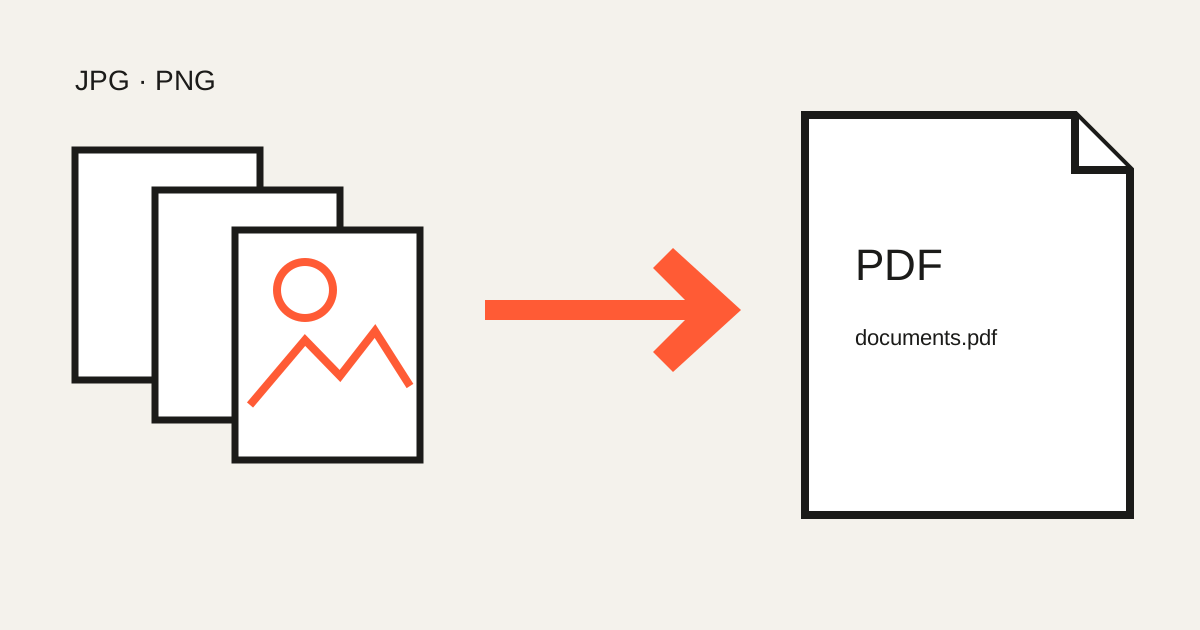
Turn several photos into one PDF
Phone photos of an application, receipts and evidence can become one ordered submission instead of many attachments.
- Ten receipts → monthly-expenses.pdf
- Notes photos → class-material.pdf
- Scanned pages → application.pdf
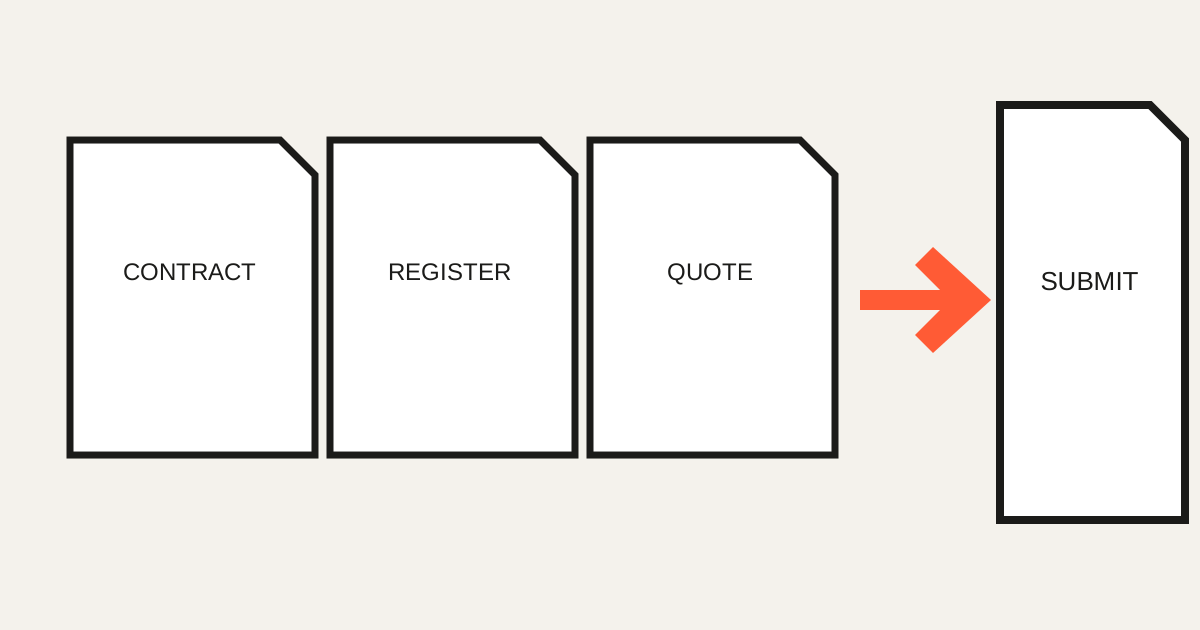
Merge complete PDFs
Combine contract.pdf, registration.pdf and quote.pdf as submission.pdf when the recipient needs one reviewable package.
Order is part of the document
Names such as 01_cover.jpg, 02_application.jpg and 03_receipt.jpg make the intended order visible. Confirm it again in the tool before processing.
Processing stays in your browser
The current merge, split and image-to-PDF tools read selected files and build results in browser memory; they do not upload them to an Only My Kit processing server. You still control device security and the channel used to send the result.
Check before sending
- Page order and orientation
- Readable photo detail
- No unintended personal pages
- Required filename and file-size limit
FAQ
- Can pages 1 and 14–16 become one PDF?
- Yes. Enter those ranges and choose a single output document.
- Can several photos become one PDF?
- Yes. Arrange JPG, PNG or WebP images and build one PDF.
- Are files uploaded?
- No. The current PDF tools process selected files in browser memory.